Want your Arduino to sense the world without touching it? The HC-SR04 ultrasonic sensor measures distances from about 2 cm to 400 cm using sound — the same trick bats use. In this tutorial you will wire the sensor, understand the echo-timing math behind it, and build a working distance meter that reports centimeters over the serial monitor. This is the sensor behind robot obstacle avoidance, parking assistants and touch-free water taps.
How Ultrasonic Ranging Works
The HC-SR04 has two cylinders: one is a speaker, the other a microphone. When you pulse the Trig pin HIGH for 10 microseconds, the speaker fires eight ultrasonic pulses at 40 kHz — far above human hearing. If an object reflects the burst back, the microphone picks it up and the Echo pin goes HIGH for exactly as long as the sound spent travelling to the object and back. Sound moves at about 343 m/s (0.0343 cm per microsecond), so distance = (echo time in µs × 0.0343) / 2. We divide by two because the sound made a round trip. The Arduino’s pulseIn() function measures that echo time for us, down to the microsecond.
Parts Needed
- Arduino Uno with USB cable
- 1× HC-SR04 ultrasonic sensor
- 4× jumper wires
- Breadboard
- A flat object (book or box) to measure
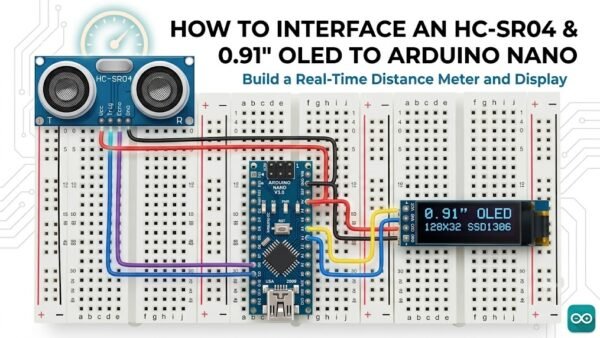
Wiring the HC-SR04
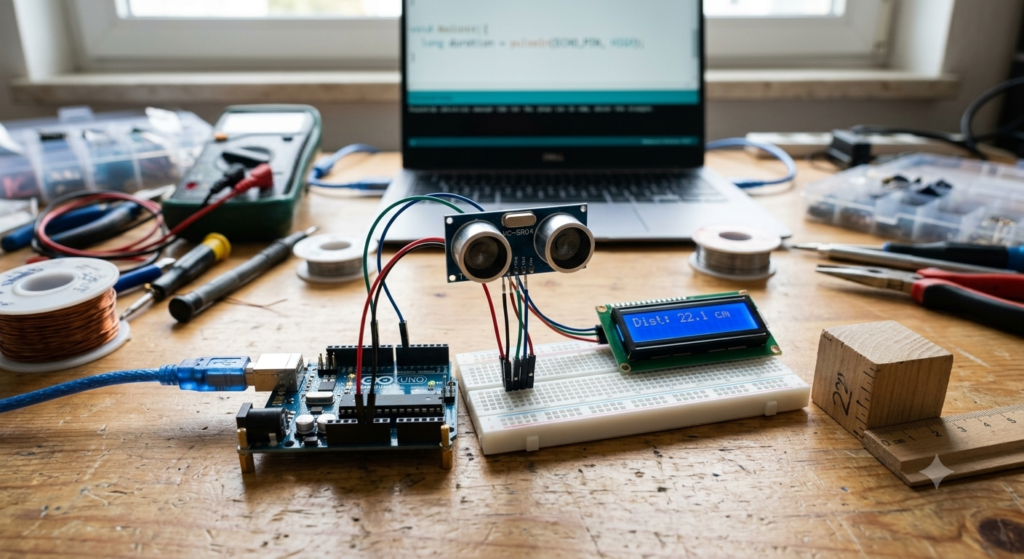
The sensor runs at 5 V, so an Uno is a perfect match — no level shifting needed. Point the two cylinders forward like eyes, away from the breadboard.
| HC-SR04 Pin | Arduino Uno | Notes |
|---|---|---|
| VCC | 5V | Power; sensor draws about 15 mA |
| Trig | Digital pin 9 | Output from Arduino; starts a measurement |
| Echo | Digital pin 10 | Input to Arduino; returns the timed pulse |
| GND | GND | Common ground |
The Distance Meter Sketch
const int TRIG_PIN = 9;
const int ECHO_PIN = 10;

void setup() {
  Serial.begin(9600);
  pinMode(TRIG_PIN, OUTPUT);
  pinMode(ECHO_PIN, INPUT);
  digitalWrite(TRIG_PIN, LOW);
}

void loop() {
  // Fire one 10 us ultrasonic burst.
  digitalWrite(TRIG_PIN, HIGH);
  delayMicroseconds(10);
  digitalWrite(TRIG_PIN, LOW);

  // Measure the echo pulse; time out after 30 ms (~5 m).
  long duration = pulseIn(ECHO_PIN, HIGH, 30000UL);

  if (duration == 0) {
    Serial.println("Out of range");
  } else {
    float cm = (duration * 0.0343) / 2.0;
    Serial.print("Distance: ");
    Serial.print(cm, 1);
    Serial.println(" cm");
  }

  delay(100); // 10 measurements per second.
}
Walkthrough
Each loop starts with a clean 10 µs trigger pulse. pulseIn() then waits for Echo to rise and fall, returning the pulse length in microseconds — or zero if the 30 ms timeout passed with no echo, which we treat as “out of range” instead of printing a bogus zero-centimeter reading. Open the Serial Monitor at 9600 baud and slide a book toward the sensor: you should see readings track a ruler within about half a centimeter.
Make It Yours
Add an LED and a buzzer to build a reversing sensor that beeps faster as objects approach, or map distances from 5–50 cm to servo angles for a radar-style sweep. For the best accuracy, remember the speed of sound changes about 0.17% per °C — at 20 °C use 0.0343, at 30 °C use 0.0349 cm/µs.
Try It in the Circuit Simulator
While the simulator does not model sound waves, you can prototype the output side of this project — the warning LEDs and buzzer with their resistors — in our Circuit Simulator. Verify your buzzer current draw and LED brightness there before wiring them to the real board.
Improving Accuracy
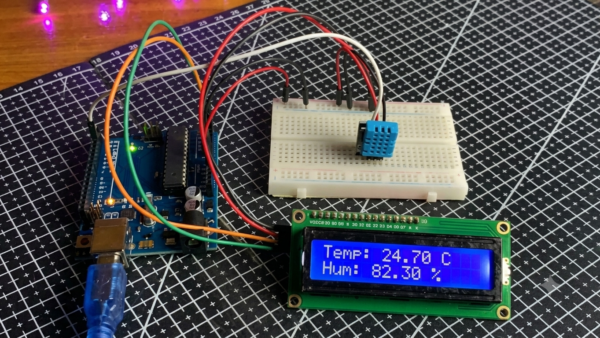
Three cheap upgrades make this sensor noticeably better. First, average: take five readings, discard the highest and lowest, and average the rest — spikes from door slams and passing pets vanish. Second, temperature compensation: the speed of sound is 331.4 + 0.6 × T°C meters per second, so feeding in the temperature from a DHT sensor tightens long-range accuracy by several percent. Third, try the community NewPing library, which measures up to 15 sensors with one timer and handles the echo-timeout logic more robustly than raw pulseIn(). Also mount the sensor solidly — a sensor dangling from jumper wires vibrates with each pulse and smears its own readings by a centimeter or two.
Troubleshooting
- Always prints “Out of range”: check that Trig and Echo are not swapped, and that the object is at least 2 cm away — closer targets return before the sensor finishes transmitting.
- Readings jump around: soft or angled surfaces (curtains, cushions) scatter sound; use a hard, flat target and average several readings.
- Constant 0 cm: Echo is wired to a pin set as OUTPUT, or the wire is broken — recheck pin 10.
- Works up close, fails far away: beyond roughly 3–4 m the echo is too faint; that is the honest limit of a $2 sensor.
Safety Notes
- The HC-SR04 is a 5 V part; on 3.3 V boards the Echo line needs a voltage divider — on the Uno it is fine as wired.
- Do not block one cylinder with your finger while measuring; it can false-trigger continuous ranging.
- Ultrasonic ranging is a convenience sensor, not a safety device — never rely on it as the only protection in machinery.
Conclusion
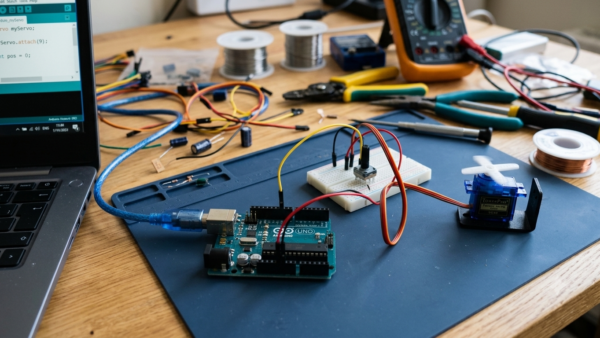
You have turned time into distance: trigger, listen, measure, divide by two. The pulseIn technique you learned here also decodes RC receivers, frequency sensors and many other pulse-based devices. Combine this meter with the servo from our next tutorial and you have the makings of a scanning sonar — all with parts that cost less than a coffee.